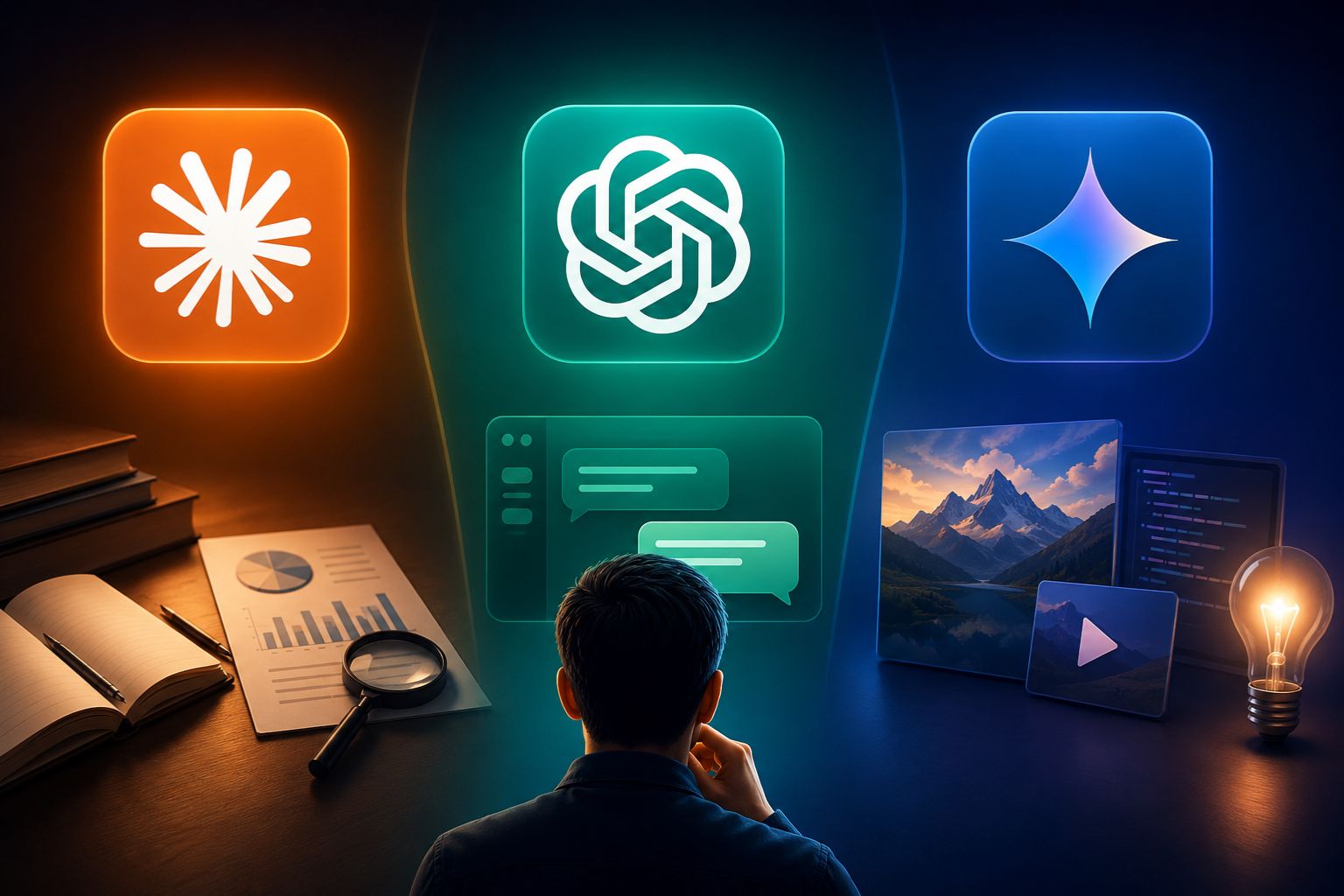
AI tools are everywhere now. And most people are confused about which one to actually open. They all look similar. They all answer questions. But each one is built differently — for different kinds of work. Knowing the right one to use can save you real time. This guide breaks down Claude vs ChatGPT vs Gemini.
What Makes Claude vs ChatGPT vs Gemini Different From Each Other?
Each AI tool has its own strengths. One is great for long writing. One is fast and versatile. One works inside Google. Here is a simple breakdown of their key differences so you know what you are working with before you pick one.
| Feature | Claude | ChatGPT | Gemini |
| Best For | Deep writing & analysis | Everyday tasks & browsing | Visual & Google tasks |
| Context Window | Very large | Large | Largest |
| Coding | Excellent | Good | Moderate |
| Multimodal | Images only | Images + plugins | Image, audio, video |
| Google Integration | No | No | Yes |
| Free Tier | Yes | Yes | Yes |
| Tone of Writing | Natural & human | Structured | Competent |
| Best User | Writers, developers | General users | Google Workspace users |
When Should You Use Each AI Tool?
The biggest question people have is simple: when do I open which one?(Claude vs ChatGPT vs Gemini) The answer depends entirely on what you are trying to do. Let us break it down by task type.
Use It for Deep Writing and Long Documents
If you are writing a long report, a research summary, or something that needs careful, thoughtful language, go with the first option in our table. It handles long text really well. It does not lose track of what you said earlier in the document. The writing also sounds natural, not robotic.
Use It for Quick Everyday Tasks and Browsing
Need a fast answer? Want to look something up quickly? The second tool is your go-to. It has a broad knowledge base and handles everyday questions with ease. It is also the most popular one, which means there are lots of plugins and integrations built around it.
Use It for Google Tools and Visual Tasks
If you work inside Google Docs, Sheets, or Gmail every day — the third option fits right in. It is also the only one that can process video natively. So if you need to analyse an image, a chart, or a video clip, this is the tool to open.
How to Use Claude vs ChatGPT vs Gemini for Work Tasks
Most people use AI for work these days. Writing, coding, research — all three tools can help. But they each handle these tasks a little differently. Here is how to use Claude vs ChatGPT vs Gemini when you are at work.
Writing Emails and Reports
For writing polished emails or detailed reports, the AI with the most natural tone works best. It follows your instructions closely and does not add unnecessary filler. Give it a clear brief — your goal, the audience, the tone — and it delivers clean, readable output. You will spend less time editing.
Coding and Debugging
When you are writing code or fixing bugs, you want fewer mistakes. One of these tools is significantly stronger at understanding full codebases and complex logic. It also explains its reasoning, which helps you learn and catch errors faster. For quick code snippets, the second tool works fine too.
Research and Summarizing
Need to summarize a long PDF or pull key points from a big document? The tool with the largest context window handles this best. You can paste in a lot of text and it will process all of it without losing details. For live web research with current news, the tool with built-in web browsing is more useful.
Which AI Works Better for Students?
Different needs arise among students. The need to write an essay, solve homework, design a diagram, or verify facts exists. Below is a brief overview of the ideal tools for each activity.
For the composition of essays, the AI tool that produces naturally-written texts will come in handy. In cases of solving homework problems, the most sought-after tool provides instant solutions to problems across different subject fields. When drawing a diagram, the multimodal tool that deals with image and video data will be ideal. And for summarizing long notes, the one with a very large context window handles that without cutting off important details.
💡 Student tip: Do not use AI to write your full essay for you. Use it to understand a topic, check your logic, or improve your draft. You will learn more and get better results.
Which One Is Good for Creative Work?
Creative work is different from regular tasks. You need ideas, good flow, and writing that does not sound stiff. Here is how each tool performs for creative use.
For blog writing or long-form articles, the tool known for natural, human-sounding writing is the strongest choice. It adapts to your tone and does not produce generic-sounding content. For brainstorming story ideas or scripts, the versatile tool with broad knowledge gives you lots of angles quickly. For any creative task involving images or visual inputs, the multimodal tool is the clear pick. And for social media captions where short and punchy is the goal, the fast-response tool delivers well.
Can You Use More Than One AI at a Time?
Yes — and many people do. Using two or three tools together is actually a smart strategy. Each one fills a gap the other leaves behind.
This is an example of how it could be done. For instance, you can use one tool for writing a lengthy research paper, use another tool to scan the net in seconds for some statistics or current news to back your claims up, and then use yet another tool to produce charts and graphs in Google Docs. Three tools for three separate tasks that would normally be done much faster in that way rather than by one.
You don’t have to stick to any of these. Imagine the apps installed on your phone. You take pictures using the camera. You use maps for directions. Same idea here.
Free vs Paid — What Do You Actually Get?
All three tools offer a free tier.However, these tools all have certain limitations when it comes to free versions. For example, fewer messages per day, old versions of the program, or lack of some features. Subscription to any paid version of the programs costs about $20 per month.
On the paid plan, the deep-writing tool gives you larger context, better reasoning, and project features. The popular versatile tool gives you access to plugins, image generation, and more integrations. The Google-native tool gives you deeper Workspace integration and the ability to process video. If you are a developer or heavy writer, the paid plan for the first tool is worth it. If you use Google tools daily, the third tool’s paid plan gives you the most workflow benefits.
Quick Guide — Which AI Should You Pick Right Now?
Still not sure? Here is a fast reference table. Find your task and go with the recommended tool. No guessing needed, just clear differences: Claude vs ChatGPT vs Gemini.
| Your Task | Best AI to Use | Why |
| Writing a long report | Claude | Handles depth and tone well |
| Quick question or search | ChatGPT | Fast and broad knowledge |
| Working in Google Docs | Gemini | Built-in integration |
| Coding a full project | Claude | Fewer errors, better reasoning |
| Watching or analysing video | Gemini | Native video understanding |
| Creative brainstorming | ChatGPT | Versatile and quick |
| Summarising big documents | Claude | Large context window |
| Data in spreadsheets | Gemini | Google Sheets integration |
Final Thoughts
There is no winner in the realm of AI at present. Every tool has its strong points over others. Once that is understood, making your decision gets a lot easier. It does not matter whether you are writing, coding, researching, or studying – getting your tasks done through the right tool is what really counts. Whenever someone brings up the topic of Claude vs ChatGPT vs Gemini, remember that this is not really a contest between tools. This is more like selecting tools from a toolbox. Just find out which tool suits you and move forward.
With AI technologies becoming more intelligent, it’s important to understand their capabilities. At present, AI such as that explained in this guide creates content by responding to prompts provided by users. However, the next phase of AI involves agentic AI and Generative AI, whereby these technologies act independently to perform tasks from start to finish. Being aware of today’s AI technologies means being ready for the future.